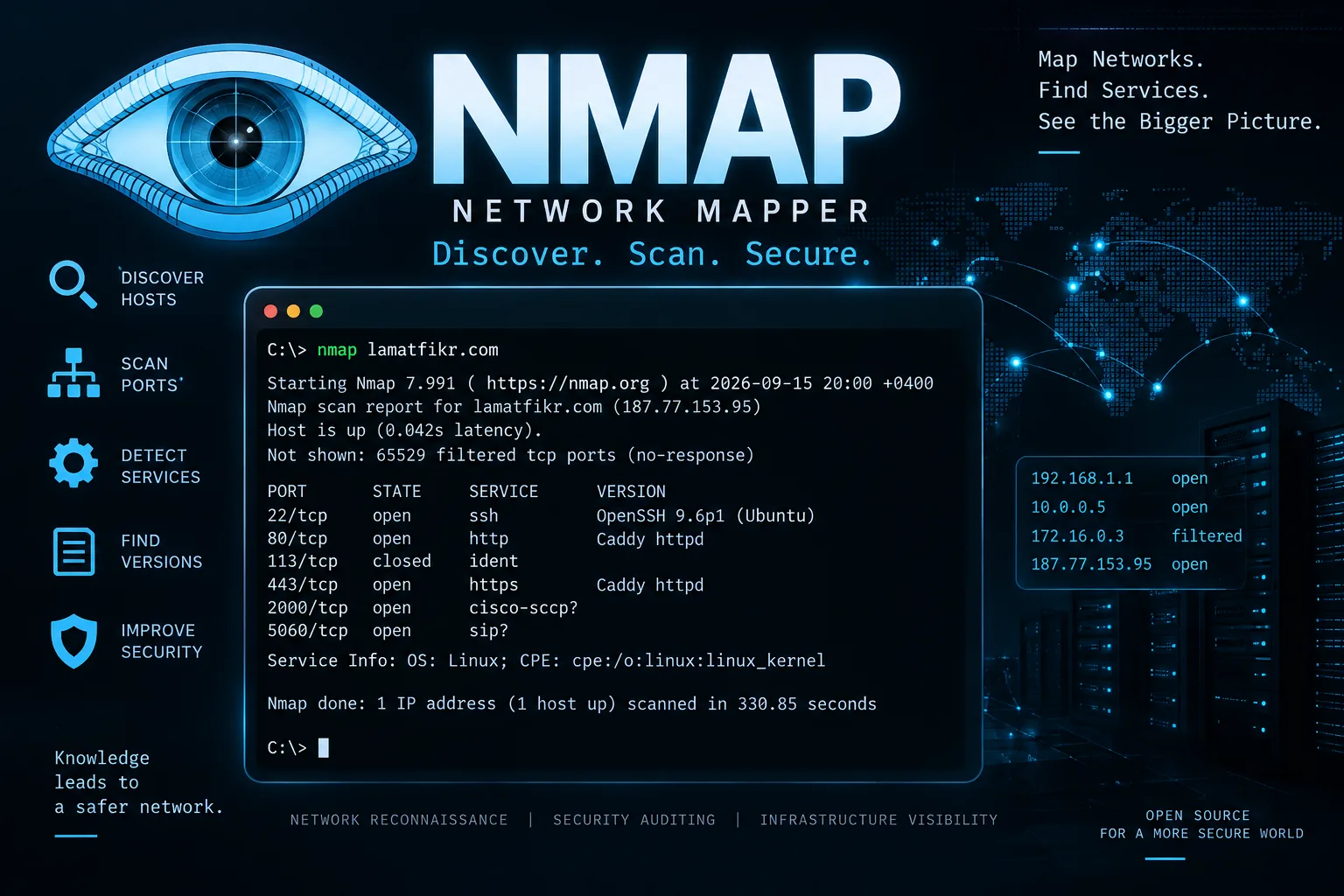
Nmap is a prominent and widely used tool for scanning websites, networks, devices, and servers (such as HTTP, SSH, and SMTP) to identify open ports.
To try out the tool, download it from the official website by searching for "Nmap download." Once downloaded, install it just as you would any other program. Then, open a command-line interface—such as cmd or PowerShell—and enter the following command:
1/ `nmap --version`
This will display the tool's version. Next, enter the following command, replacing "example.com" with your target domain:
2/ `nmap example.com`
The scan results will appear, with the following terms indicating specific details:
PORT → Port number. STATE → Port status (e.g., open or closed). SERVICE → The service associated with the port.
Port 22 — SSH Typically used for connecting to and remotely managing a server via SSH.
Port 80 — HTTP The HTTP port; used for unencrypted web connections.
Port 443 — HTTPS
Used to access websites via HTTPS, which is an encrypted connection between the browser and the server.
Port 113 — Ident: If shown as open or closed, it indicates whether the service is currently active. Sometimes a question mark appears, meaning the tool is uncertain about the status (e.g., `5060/tcp open sip?` indicates uncertainty).
This is a basic overview. You can also use another command to scan all TCP (Transmission Control Protocol) ports and SSH servers:
1/ `nmap -sV -p- --reason example.com`
This explanation is for educational purposes only. I assume no responsibility for any illegal or unauthorized use. The explanation can be applied only to what pertains to you.
Comments
Related articles
- Cybersecurity
 15 September 20265 minExtracting metadata & location any image
You can extract metadata from any image using the popular tool known as ExifTool . This tool allows you to retrieve information such as the image creation date and time, camera type, capture location, and other details.
NNoah Alzakwani - Cybersecurity
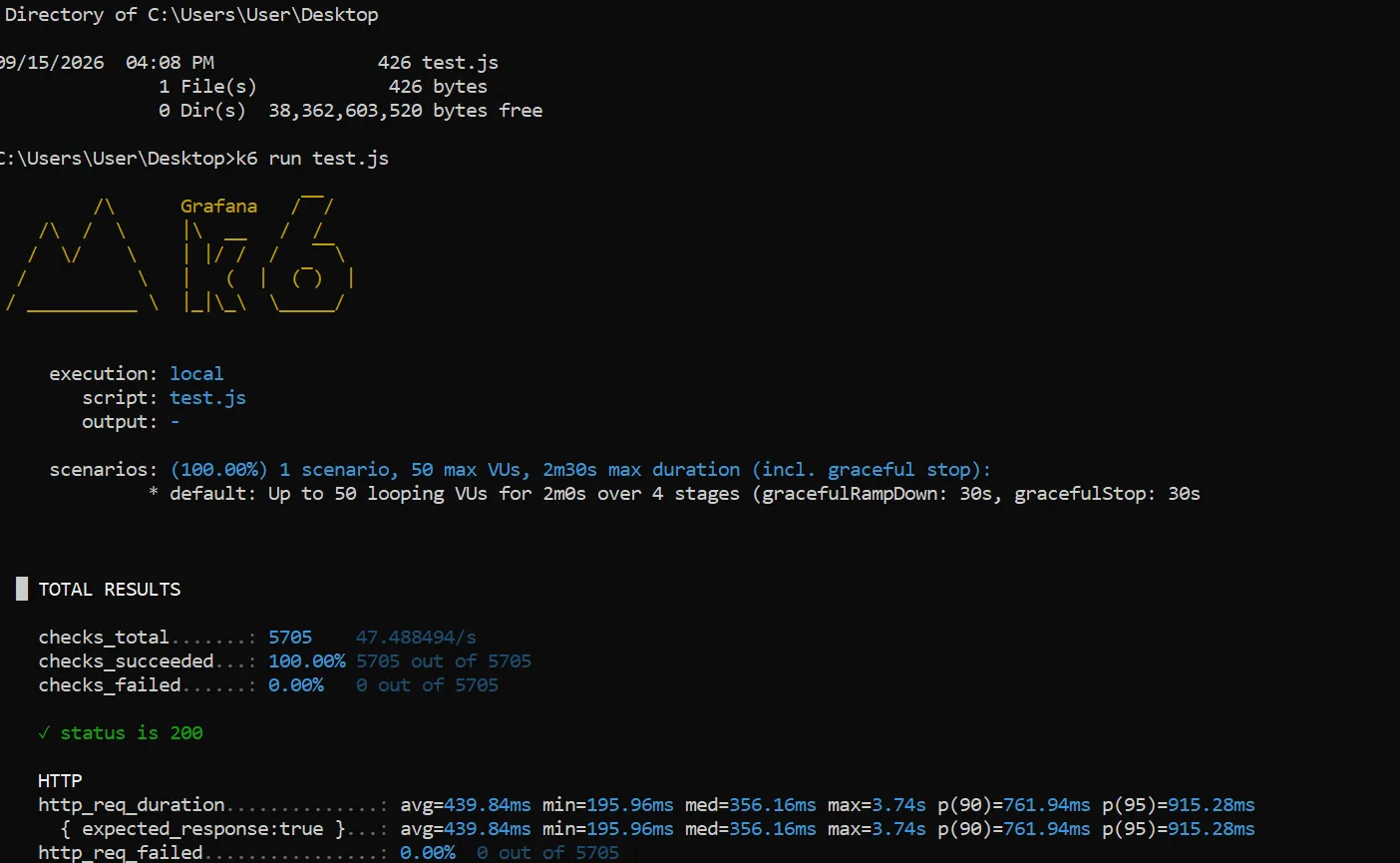 13 September 20265 minWebsite Load Testing
Before launching any website, you must test its load-bearing capacity to ensure it does not crash under the heavy influx of users.
NNoah Alzakwani - Cybersecurity
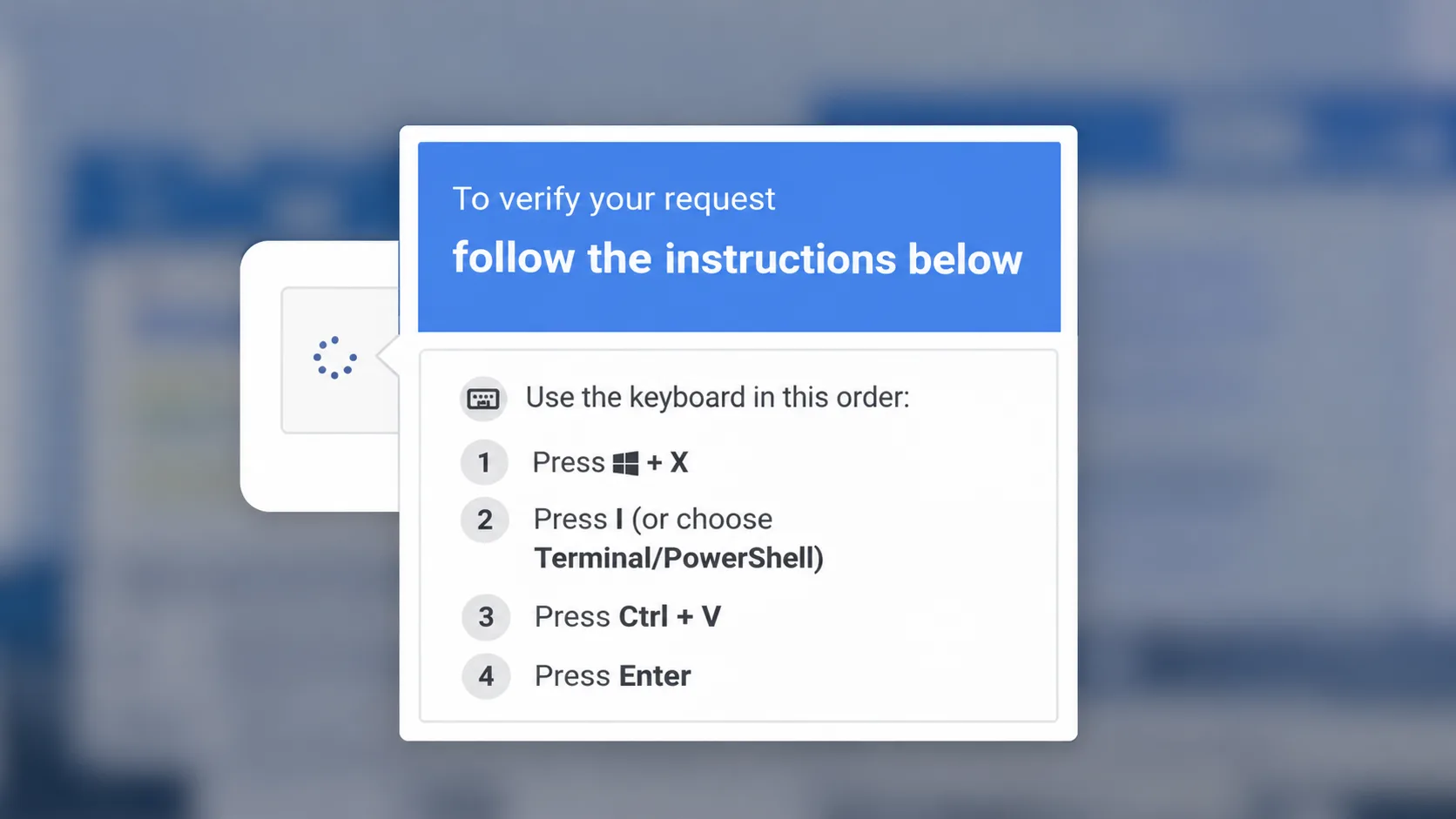 3 June 20265 minScam ClickFix or Captcha
A modern fraud method that usually appears to website browsers, where a pop-up screen, or what is known as a captcha, appears on the user’s screen to verify that he is not a robot or a robot.
NNoah Alzakwani