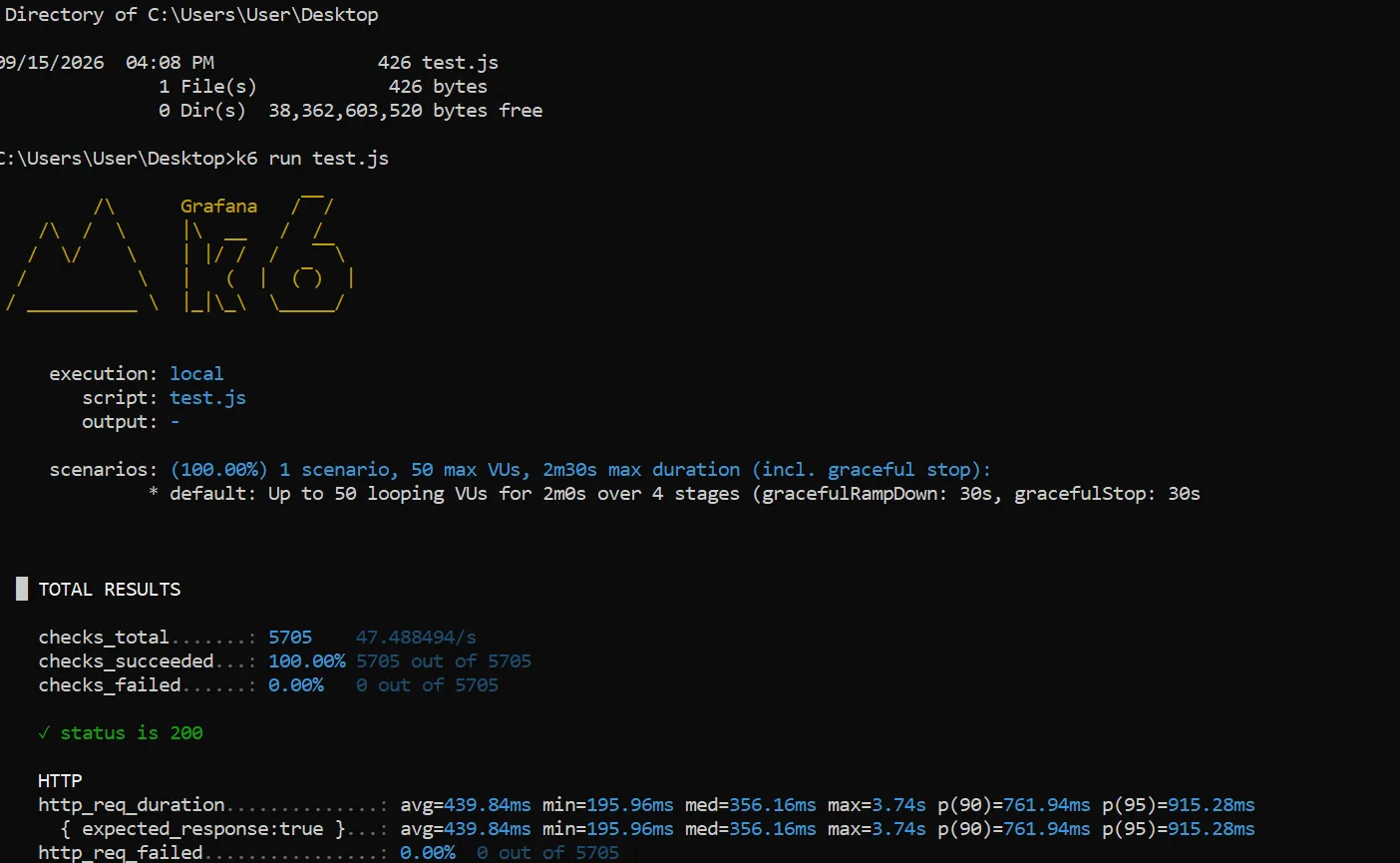
Before launching any website, you should test its load-bearing capacity to ensure it doesn't crash under a high volume of user traffic.
There are many ways to test your website, but I will share a simple method using an open-source tool. This tool tests the performance of websites and APIs, measures their ability to handle stress and average response times, and reports the number of requests received along with the outcome (success or failure).
The tool we will use is called **k6**; it can be used in any terminal. To download it, go to your command prompt:
1/ Type:
`winget install k6`
The tool will be installed.
To verify the installation, type the following command:
2/ Type:
`k6 version`
The tool's version will be displayed.
Once the version appears, it confirms the tool is installed. Next, create a file with any name you like, but ensure it has the `.js` extension—for example:
3/ Name the file:
`test.js`
4/ Paste the code found at the link below, replace the placeholder URL with the website you wish to test, and save the file:
https://bit.ly/4cO0Jjb
After saving and closing the file, go to the command prompt:
6/ Type:
`k6 run test.js`
(If you used a different filename, type `run` followed by that filename). The tool will immediately begin testing the website. The tool also allows you to test the entire website; however, please be aware that significant slowdowns may occur on your site during the testing period. To proceed with the test, create a file with the `.js` extension:
1/ Name the file:
`full-site-test.js`
2/ Insert the following code and replace the existing link with your own:
`https://bit.ly/46pqVx0`
3/ Then, run the following command to start the test:
`k6 run full-site-test.js`
This test will evaluate: Website response speed Average response time P90 and P95 metrics Number of requests processed by the site Requests per second Error rate Timeouts Maximum response time
For example, if you see: `http_req_failed: 0%` `p(95): 1.2s` This is a good result.
However, if you see: `http_req_failed: 15%` `p(95): 15s` This indicates problems arising from the load your site is experiencing.
This explanation is for educational purposes only. I assume no responsibility for any illegal or unauthorized use. You should only apply this guide to systems you own or have permission to test.
Comments
Related articles
- Cybersecurity
 15 September 20265 minExtracting metadata & location any image
You can extract metadata from any image using the popular tool known as ExifTool . This tool allows you to retrieve information such as the image creation date and time, camera type, capture location, and other details.
NNoah Alzakwani - Cybersecurity
 14 September 20265 minScanning ports and web servers using Nmap
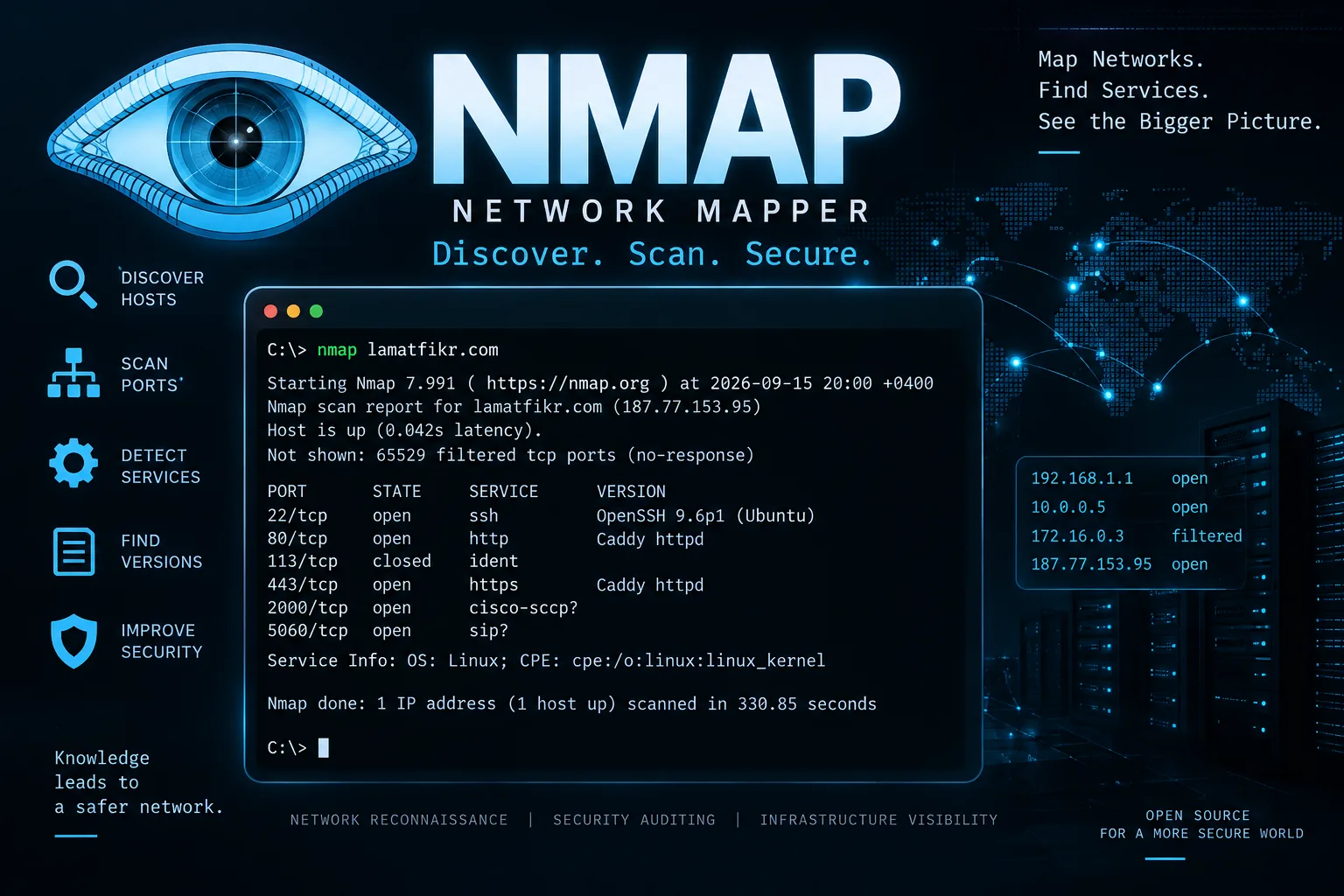
Nmap is a prominent and widely used tool for scanning websites, networks, devices, and servers (such as HTTP, SSH, and SMTP) to identify open ports.
NNoah Alzakwani - Cybersecurity
 3 June 20265 minScam ClickFix or Captcha
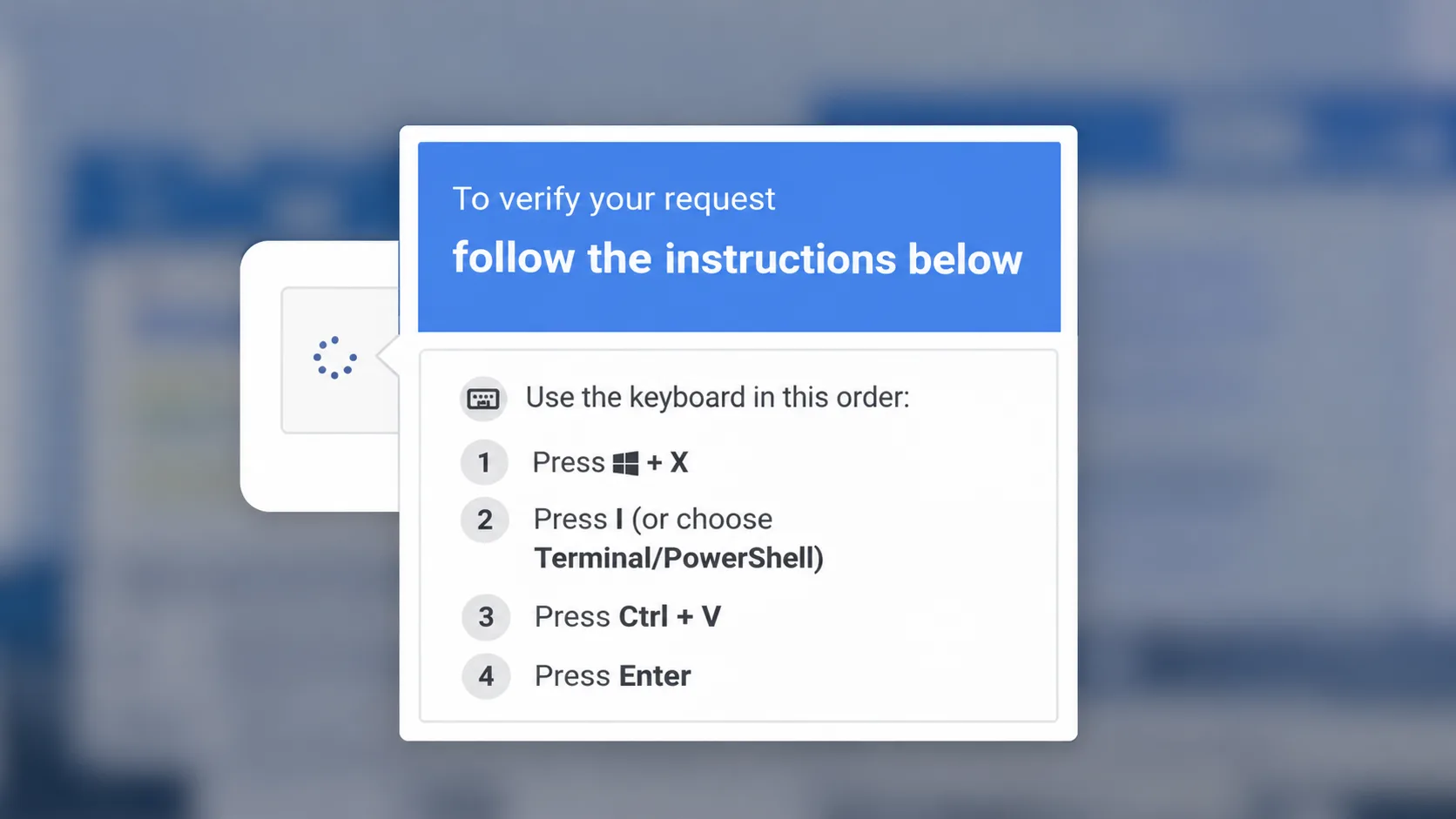
A modern fraud method that usually appears to website browsers, where a pop-up screen, or what is known as a captcha, appears on the user’s screen to verify that he is not a robot or a robot.
NNoah Alzakwani